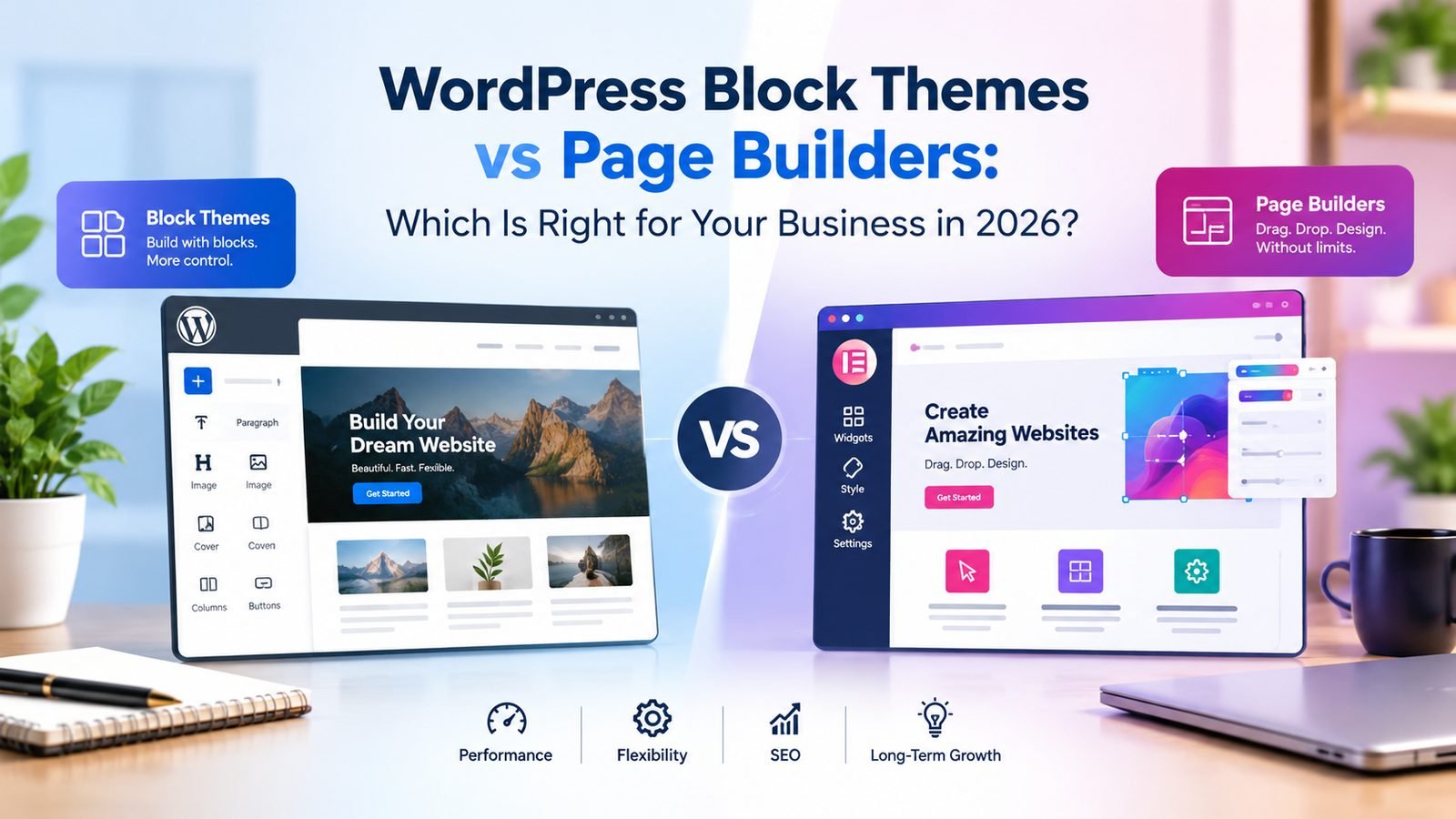

WordPress’s native block themes (Full Site Editing) have matured significantly, closing much of the gap with third-party page builders like Elementor or Divi. Here’s how to choose for a business website in 2026.
Performance
Block themes generally load less third-party JavaScript and CSS than heavier page builders, which often translates into faster Core Web Vitals scores — a factor that affects both user experience and SEO.
Editing Experience
- Block themes: native WordPress block editor, no extra plugin required, consistent across the whole site via templates.
- Page builders: often more drag-and-drop visual flexibility, but add plugin dependency, maintenance, and sometimes lock-in.
SEO Considerations
Both approaches can be optimized well; the deciding factor is usually clean markup and page speed rather than the tool itself — a bloated page builder site and a poorly built block theme can both underperform.
Our Recommendation
For most small-to-mid-sized business websites prioritizing speed, long-term maintainability, and lower plugin dependency, a well-built native block theme is the more future-proof choice.
Frequently Asked Questions
Can I switch from a page builder to a block theme later?
Yes, though content typically needs to be rebuilt in native blocks rather than migrated automatically — plan this as a proper redesign project.
Do block themes support custom designs?
Yes — theme.json and custom block patterns allow fully custom colors, typography, and layouts without needing a page builder plugin.